
Building Software With AI vs Without It: What We Actually Saw at Deixtra
AI writes repeated code fast, but it doesn't know when a client's invoice is wrong. Here is what changed, and what didn't, when our team started building with AI tools.
· Deixtra
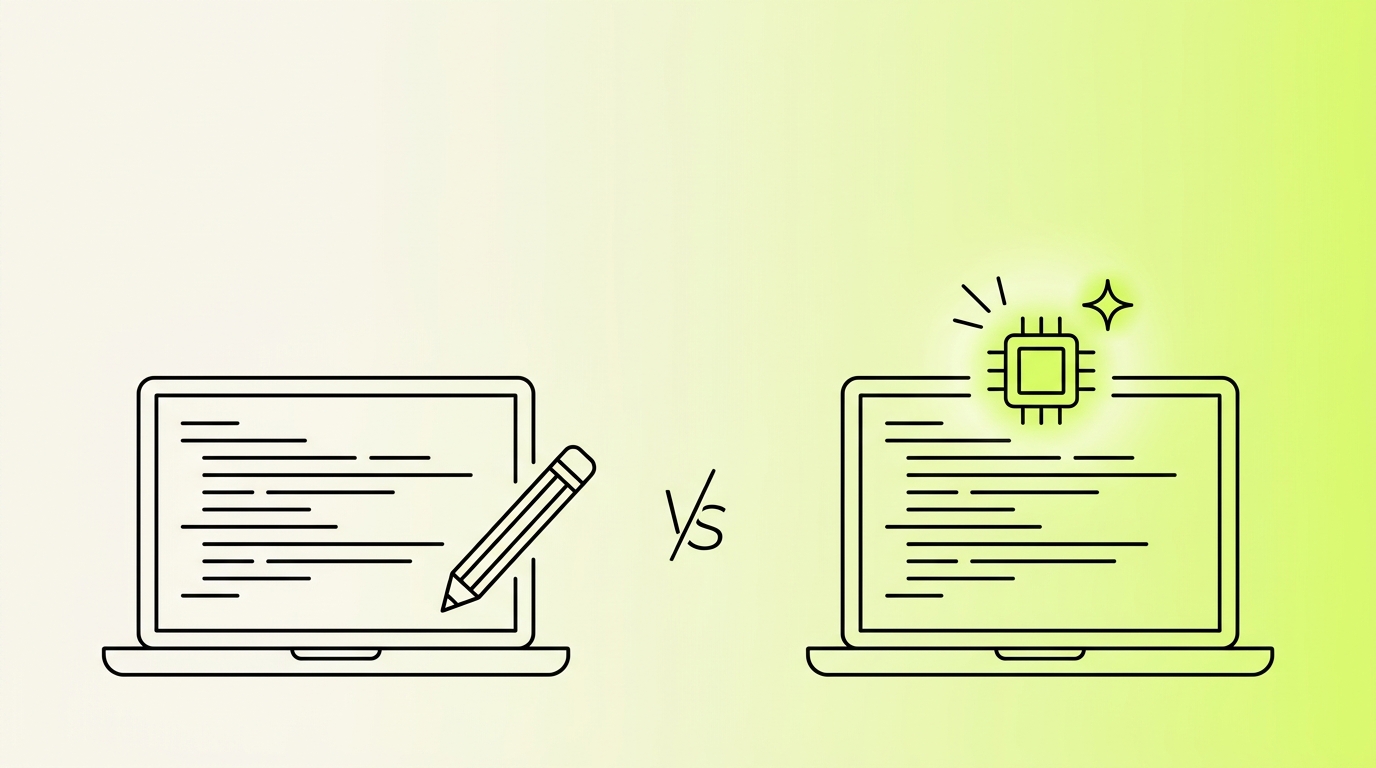
We build POS systems, LMS platforms, Shopify apps, and dropshipping portals at Deixtra, usually several at once with a small team. Over the past year, AI coding tools went from something we tried on weekends to something we open every morning. This post compares building software with AI and without it, using our own projects as examples.
Where AI makes the work faster
The biggest gain is on work that has the same shape every time. Our POS system has Category, Brand, Unit, Product, Supplier, and Customer modules, and each one needs modal-based create and edit, search, pagination, and validation. Once the first module is right, the rest are variations on it. With AI, that turns into reviewing code. Without it, it is a few days of copying, renaming, and fixing the typos that copying creates.
The same goes for converting Bootstrap views to Tailwind and writing SQL backfill queries. Blade templates and first drafts of documentation fit here too. None of this is hard. It is just slow when you type all of it yourself, and people make careless mistakes when they are bored.
Where you still need a person
Money is the clearest example. In the Wave Byte seller portal, we had a bug where a seller deduction was counted twice. The code looked fine in the payment controller and fine in the auto invoice controller. It was only wrong when the two ran one after the other. AI can help you trace a bug like that once you describe the flow, but somebody has to know what a correct invoice looks like. The tool does not know that a seller was overcharged. Your client's support inbox does.
Licensing and security are the same. In Naqdibook, our offline POS, a license is tied to a device fingerprint built from the motherboard and CPU, and activation uses Ed25519 signatures. Deciding how that should work, and what happens when a shop replaces a motherboard, is a product decision. We would not hand it to a tool.
Side by side
Task | Without AI | With AI |
|---|---|---|
Repeated CRUD modules | Days of copy and edit | Review and adjust |
Tracing a bug across files | Read everything yourself | Faster if you explain the flow clearly |
Financial and invoice logic | Careful manual work | Still careful manual work |
Choosing an architecture | Team discussion | Team discussion, with a second opinion available |
Writing docs and comments | Often skipped | Usually done |
What changes for the team
Typing time drops and review time goes up. That surprised us a little. When a tool writes 200 lines in a minute, the risk is that nobody reads them properly, and a junior developer may accept code they cannot explain. We read every diff, and we ask the author to explain anything that looks clever.
Prompts also become part of the work. When we added a Trial Balance and Balance Sheet module to the Wave Byte admin panel, the useful part of the prompt was the limits: add it as a separate module, no new migrations, no new models, export through mPDF. When we started the TikTok Shop and eBay integrations, we asked for one adapter per channel and told it to leave the existing Shopify code vabuvsdct. A vague prompt gets you a rewrite of things you did not ask about.
The rules we follow
Give the tool constraints before it writes anything, especially what it must not touch.
Read every diff before merging it.
Test payments, invoices and login by hand, whoever wrote the code.
Keep client data, keys and credentials out of prompts.
Where we ended up
We are not going back to typing every controller by hand. We are also not letting a tool decide how a customer's money moves or how a license gets checked. AI is very good at the repeatable parts of software development. The parts where a mistake costs a client real money still need a developer who understands the business.